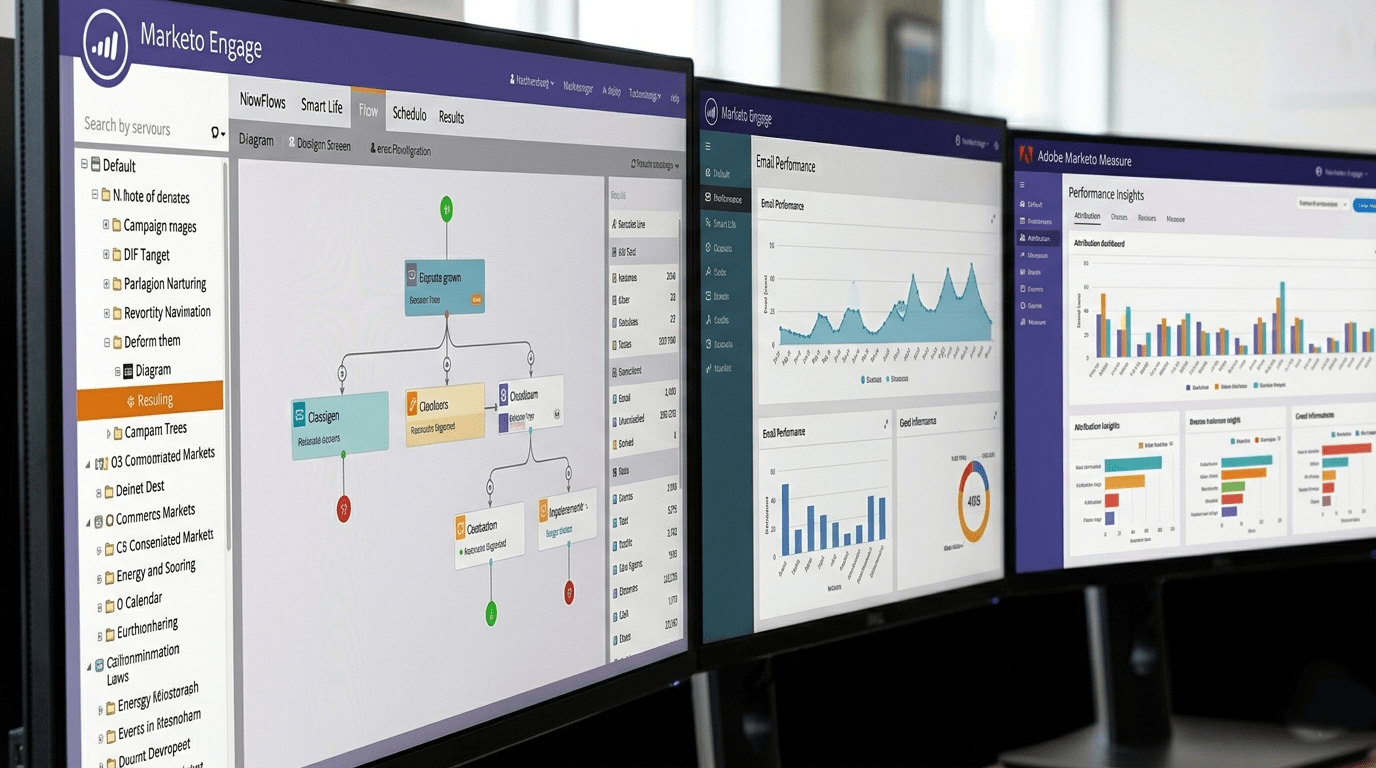
Marketo makes it easy to build sophisticated, automated marketing campaigns. But when those campaigns need to work across borders and languages, it’s important to put in place the right translation process to avoid bottlenecks and get your messaging to market quickly. It’s even more critical to have a translation partner you can trust by your side, so you can let them handle more of the process of exporting/importing translations and dealing with in-country teams to secure sign off.
This guide is for Marketo users who need to translate assets efficiently without breaking workflows, branding or compliance requirements.
Why you need experts to translate Marketo content
Marketo isn’t designed to be a translation management system, so teams often struggle with:
- Copying and pasting content manually into Word or spreadsheets
- Losing context (where string appear; their purpose)
- Version control issues across markets
- Inconsistent terminology and tone
- Delays caused by rework and approvals
The good news is that with the right process and partner, Marketo content can be translated smoothly and at scale. Before we look at that, let’s first explore the content types that often need translating as well as what to give your translation partner to avoid bottlenecks.
Frequently translated Marketo content types
The most common content types that require translation include:
- Email campaigns
- Forms
- Snippets
- Dynamic content blocks
Each requires a slightly different approach – especially emails, snippets and content blocks, where layout and character length matter (translation from English into other languages frequently results in text expansion of around 15-30%). Your translation partner will know how to handle tight character count limits while also maintaining consistency with your preferred terminology, tone and branding.
| Content type | Why this content is translated | What needs special care |
|---|---|---|
| Email campaigns | Emails are the main way organisations communicate with customers in different languages and markets | Subject lines, buttons and layouts need to stay short and readable; longer translations can affect how emails look and perform (text expansion increases block height/subject lines can become truncated) |
| Forms | Forms are key conversion points, often including legal or consent text | Labels and messages must be clear and concise so forms remain easy to use, especially on mobile |
| Snippets | Snippets are reusable blocks (e.g. footers, CTAs) used across many emails and pages | A single translation is reused everywhere, so it must be accurate and consistent |
| Dynamic content blocks | These allow one campaign to show different language versions to different audiences | Each language version must fit the design and remain clear when content swaps dynamically |
Use a translation partner who understands marketing automation
Marketing content isn’t just about accuracy – it’s about conversion.
A specialist partner will:
- Preserve calls to action and intent
- Adapt tone culturally (not translate word‑for‑word)
- Flag content that may not work in a local market
- Handle HTML safely without breaking Marketo rendering
This is especially important for subject lines and buttons since they sit at the intersection of content and code – and are often not just plain text. That’s because Marketo uses very strict HTML parsing and is less forgiving that other CMSs (content management systems) or ESPs (email service providers).
Examples include:
Tokenised content used in emails
English
Register now for {{my.Event_Name}}
German
Jetzt registrieren für {my.Event_Name}
Buttons
English
1.<a href=”{{my.CTA_URL}}” style=”background:#005eb8;”>
- Register now
3.</a>
German
1.<a href=”{{my.CTA_URL}}” style=”background:#005eb8;”>
- Registrieren
3.</a>
Provide context (this is critical)
Translators work best when they know the:
- Target audience and market
- Campaign goal (lead gen, nurture, event, upsell)
- Brand tone (formal vs conversational)
- Character or layout constraints
To make sure your campaign is as effective as possible, brief your translation partner.
Recommended translation workflow for Marketo
1. Agree naming conventions
Your first step is to agree naming conventions.
Use a standardised suffix (e.g. ProductLaunch_FR) so your translation team can easily identify which assets belong to which language folder within your Marketing Activities workspace. Now you can move on to the next step.
2. Provide editable design files
Provide design assets in an editable format (like .idml for InDesign files) or make assets editable directly in Marketo.
This preserves structure and reduces formatting issues later.
It’s critical you highlight design considerations like those to your translation partner to ensure your assets are translated and localised fully for the target audience.
3. Lock and clone your content
Designate a single source of truth and get that finalised and signed off prior to translation.
Then, create clones of the assets you need translated. Following the example above, you could have a structure like this:
ProductLaunch_EN – for your original English asset
ProductLaunch_FR – for your French asset
ProductLaunch_DE – for your German asset
ProductLaunch_ZH – for your Chinese asset
4. Export as HTML
Rather than copying from the UI and then pasting the text into a separate document:
- Export emails and landing pages as HTML (you can either do that for your translation partner or grant them access so they can handle it directly).
You’re translation partner will now translate/localise your content – or can even transcreate or copywrite new content to suit.
Once that process is complete, it’s now time for the final stage:
5. Re‑import and test in Marketo
Depending on how you work with your translation partner, they can take care of re-importing the translations or you can do it yourself:
- Re‑import content into Marketo based on a bilingual table or xml file.
- Test emails in each language
- Verify forms, confirmation messages and thank‑you pages
Testing ensures all content displays correctly, logic behaves as expected and no mixed‑language or automation issues occur before launch.
Common pitfalls to avoid
- Translating before the campaign is finalised
- Ignoring subject line length differences
- Reusing translations without checking context
- Letting multiple agencies translate the same brand voice
- Using the translated assets before the translation agency has confirmed the re-importing process is complete
A single, consistent workflow saves time and budget.
Quick recap
Marketo is powerful, but it needs the right translation process around it to work globally.
With clean exports, proper context and a partner who understands both marketing language and marketing automation, multilingual Marketo campaigns become far easier to manage – and far more effective. And with a trusted partner, you can even allow your chosen translation company to deal with your in-country teams for sign off – lightening your workload and potentially further shortening the time it takes for your campaigns to go live.
If you’d like help setting up a Marketo‑friendly translation workflow or want advice on the right mix of human and AI translation, get in touch.
