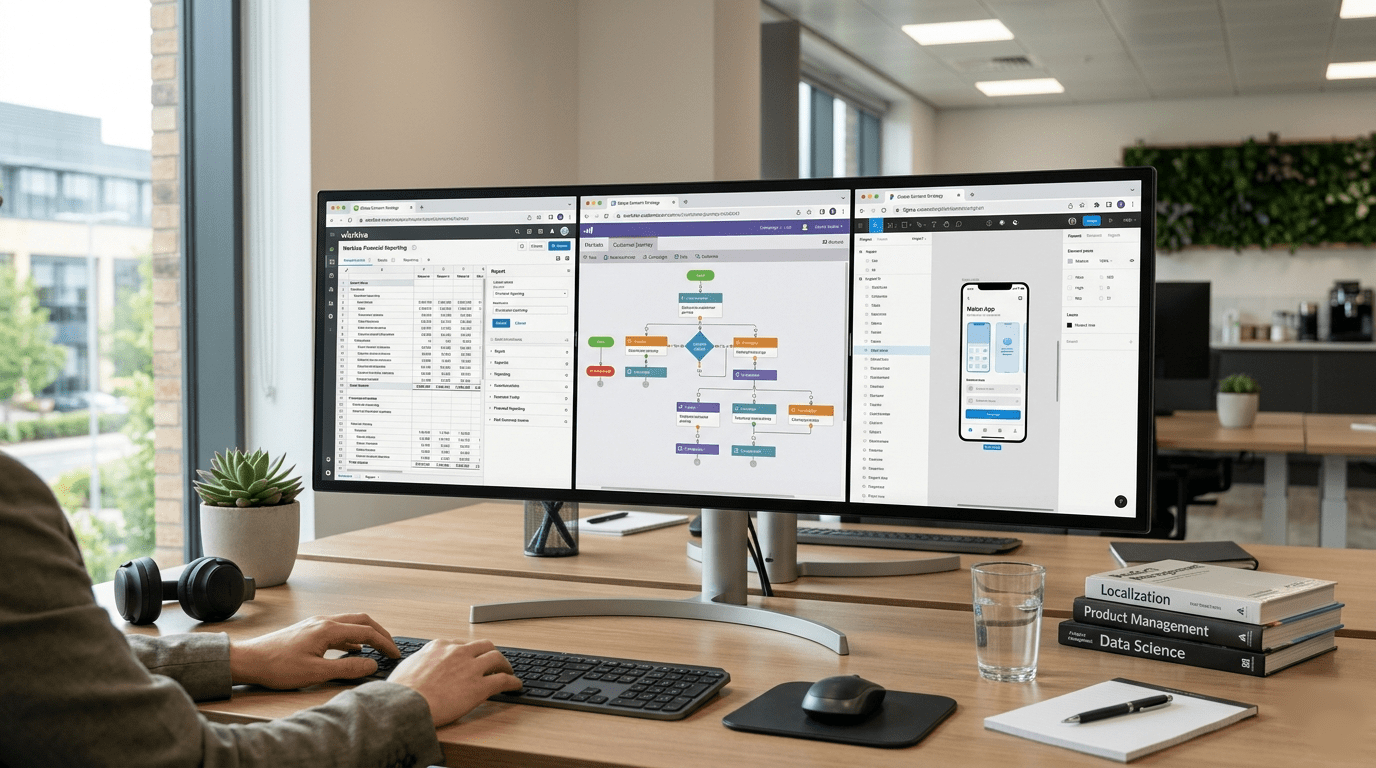
Structured content is already the norm in many organisations. Marketing teams build campaigns in Marketo; finance and ESG (environment, social & governance) teams prepare reports in platforms like Workiva; product and UX (user experience) teams work with app strings, design tools, XML (eXtensible Markup Language) files and XLIFF (XML Localization Interchange File Format) exports across a wide variety of systems.
In practice, most organisations sit somewhere between semi-structured content and fully structured workflows. Some content still arrives in Word files, PowerPoint decks, spreadsheets or PDFs; other content is exported from platforms in XML, XLIFF or other structured formats. Translation has to bridge both worlds.
The challenge is not simply whether a file can be processed – modern translation software can handle tags, placeholders and structured formats. The more important questions are: what should be translated, what must remain untouched, what context is needed and how will the translated content return safely to the platform where it belongs?
In this post, we look at why structured content can help the translation process, where preparation still matters and how context, design awareness and workflow control help multilingual content move efficiently across platforms without breaking layout, meaning or function.
Structured content is already how many organisations work
For many organisations, content is now created, stored, reused, approved and published inside systems that use some kind of structure.
That structure can take different forms:
- Marketing automation content built from emails, landing pages, forms, tokens, snippets and dynamic content blocks
- Reporting content managed in controlled platforms with linked data, approvals, layout dependencies and version control
- App and software content exported as strings, XML, JSON, XLIFF or other localisation-friendly formats
- Design-led content that begins visually but needs to be separated, translated and rebuilt or tested after translation
This is an advantage for translation because it makes content easier to export, protect, process and return to the system it came from, minimising friction. It also means the workflow has to respect how each platform organises, displays and reuses that content.
Why structure helps translation
When content is structured well, translation becomes more efficient and more controlled. Formats such as XML and XLIFF can separate translatable text from non-translatable elements such as layout, markup, IDs and placeholders. This allows translators to work on the words while the underlying structure is preserved.
That is exactly why XLIFF is so widely used in localisation workflows: it provides a structured way to move translatable content between systems and translation tools without turning the whole source file into a manual copy-and-paste exercise.
In practical terms, structured files help with:
Preserving tags, placeholders and layout logic
- Tags and inline formatting can be protected so they’re not translated or deleted
- Placeholders and variables can remain intact while the surrounding sentence is translated
- Repeated segments can be identified and handled consistently
- Translated content can be reimported into the originating system more safely
Good translation tools can handle this technical structure, but the preparation stage still matters – because the output is only ever as good as the input. That means taking the time to check that the right content has been exported, that non‑translatable elements are clearly protected, and that even fragmented segments remain meaningful to a human translator. It also means ensuring there’s sufficient context so each string can be understood in its proper setting.
This is where experience with structured files makes a difference. The file may be technically valid, but it still needs to be usable for translation.
- Clean segmentation helps translators read and translate complete ideas
- Protected tags reduce the risk of broken imports or failed builds
- Context notes, screenshots or previews help translators make better decisions
Structure supports translation. Preparation determines how well that structure works in practice.
Pre-production: making content translation-ready
Before translation begins, structured and semi-structured content needs to be checked for translation readiness. This means identifying what should be translated, what must remain untouched, which tags or placeholders need protecting, and what contextual information translators will need.
It also means looking beyond the main text. Non-editable graphics are one of the most common sources of avoidable rework. If text is embedded in an image, diagram, screenshot or flattened PDF, it cannot be processed cleanly in a standard translation workflow. Someone has to extract the wording, translate it, recreate the graphic and check that the final version still works visually.
This is why localisation needs to be considered before design is locked. Editable source files, live text layers and space for text expansion can make a significant difference. Where graphics cannot be made editable, the project plan needs to allow time for manual extraction, design recreation and post-production checking.
This same principle applies to structured exports from platforms such as Marketo and Workiva. Removing copy from the design or platform environment can make translation easier to manage, but it can also hide visual constraints. Longer translated text still needs to fit email modules, report tables, buttons, captions, diagrams and screen layouts. If expansion has not been allowed for at design stage, the issue usually reappears later during testing, layout review or post-production.
A good pre-production check should therefore ask:
– Is all translatable content editable or exportable?
– Are graphics, screenshots and diagrams supplied with editable source files?
– Have non-translatable elements such as tags, variables, tokens and tracking parameters been identified?
– Has space been allowed for text expansion in layouts, buttons, tables and modules?
– Is there a clear plan for post-production checks once the translated content is returned to the platform?
Why context changes everything
In structured workflows, content is often separated from the page, screen or module where it originally appeared. That makes it easier to process, but it also means translators need enough context to understand how each piece of copy will be used.
A short phrase may need a different treatment depending on whether it appears as a button label, navigation item, system message or legal statement.
That is why our workflows are designed to capture the information behind the text, including:
- Visual references (wireframes, screenshots, prototypes)
- Functional descriptions of UI elements
- Notes on user journeys and interactions
- Ongoing Q&A between linguists and project teams
Where something is unclear, we ask. This is particularly important in app and UI localisation, where a poor translation can affect not only meaning, but also usability.
Contextual terminology and phrasing – not just consistency
The same principle applies to terminology.
Terminology is often treated as something to standardise and reuse automatically. That is useful, but only up to a point: the same source term can legitimately require different translations depending on where it appears and who it is for. For example, a term used in navigation might differ from its use in body text; a label might need a shorter, more functional translation; and a technical term might shift depending on audience or section.
To manage this properly, we use the contextual information provided by the client to guide our decisions—mapping terminology carefully, avoiding the blind auto‑propagation of terms across the entire text, and applying translation memory in a controlled, intelligent way. Every step is supported by human validation, with queries and clarification loops used to resolve any ambiguity before it becomes an issue.
Translation memories (TMs) also play an important role in keeping multilingual content consistent across platforms. When approved translations from previous projects are stored and reused, teams can maintain continuity between campaigns, reports, app strings and recurring content updates. This is particularly valuable when content is revised over time, rather than translated as a one-off piece of work. However, translation memory should still be applied with judgement: a previous translation may be a useful guide, but it still needs to fit the specific context, format and function of the new content.
This helps avoid a common problem in structured translation workflows: translations that are technically consistent, but wrong for the context.
Where Marketo and Workiva fit in
Marketo and Workiva both involve structured content, but not in the same way as app localisation files or XLIFF exports from software workflows.
Marketo is modular and campaign-led: content is built from emails, landing pages, forms, snippets, tokens and dynamic blocks. Workiva is controlled and report-led: content sits inside a reporting environment where structure, layout, data links, approvals and version control all matter. Both platforms need careful preparation, but the risks are different.
Marketing platforms (e.g. Marketo)
In Marketo, content often looks straightforward because it is built visually: emails, landing pages and forms are familiar marketing assets. Behind that visual layer, however, the workflow is modular, with snippets, templates, tokens and dynamic content blocks that may be reused across multiple campaigns.
That makes preparation especially important. Before translation starts, the workflow needs to distinguish live copy from reusable components, personalisation tokens, tracking elements and anything that should remain untouched. It also needs to allow for text expansion in emails, forms and landing page modules, so that translated content still works when it is returned to the campaign environment.
We explore those practical considerations in more detail in the related article on translating Marketo content, including how planning at design and production stage can reduce avoidable rework later in the process.
Reporting platforms (e.g. Workiva)
In Workiva, the considerations are different because the content usually sits within a controlled reporting environment. The words are only one part of the asset: formatting, linked data, approvals, version control and compliance requirements all influence how the translated report needs to be handled.
That makes preparation less about extracting isolated strings and more about preserving the integrity of the report as a whole. The workflow has to protect structure, layout and linked information while giving reviewers enough visibility to check the translated content confidently before final publication.
For a more practical look at this reporting workflow, see our related guide on getting your Workiva report translated, which explains what to consider before sending a Workiva report for translation.
The real challenge: connecting all the dots
The real challenge is often not translation itself, but the way translation has to fit around different systems, teams and production rhythms.
Marketing teams work around campaign launches. Reporting teams work to fixed disclosure or publication deadlines. Product teams work in iterative design cycles, where content may continue to change as interfaces are refined. Translators, meanwhile, need stable files, clear briefs and enough context to make accurate decisions.
When those needs are not connected, problems tend to appear late in the process: language versions fall out of step, terminology drifts between platforms, layouts need reworking and small uncertainties turn into avoidable delays.
What a joined-up workflow looks like
To manage translation effectively across your content stack, you need:
1. Platform-aware processes
Different platforms require different handling. There is no one-size-fits-all workflow.
2. Strong context-sharing
Wireframes, designs, samples and clear briefs are essential – especially for structured and app-based content.
3. Controlled terminology
Terminology must be applied in context, not just reused mechanically.
4. Central coordination
A clear view of content versions, status and responsibilities across platforms.
5. Collaborative communication
Active dialogue between translators, developers, marketers and stakeholders.
Bringing it all together
From Marketo campaigns and Workiva reports to app strings, design prototypes, XML files and XLIFF exports, the same principle applies: translation works best when the content is prepared with the end workflow in mind.
Structured files help, but they are only one part of the process. The real value comes from clean exports, protected tags and placeholders, editable source material, clear context and a route for questions before translation choices become rework.
When those elements are in place, translated content is easier to reimport, review, publish and maintain across languages.
That is what turns translation from a file-handling exercise into a managed multilingual workflow: one that protects structure, preserves meaning, allows for design constraints and keeps teams aligned from export to final publication.
Get that right, and scaling multilingual content becomes more predictable, more efficient and far easier to control across your global content stack.
If your content is moving between structured files, design tools, marketing platforms or reporting systems, it may be worth reviewing the workflow before translation begins. We can help you identify what needs translating, what should be protected, what context linguists will need, and where post-production checks may be required.
